You haven't signed in yet, you can have a better experience after signing in
*Please complete the payment within {{receiveCouponInfo.expire_at}}Previous use*
You haven't signed in yet, you can have a better experience after signing in



Activity Rules
1、Activity time:{{ info.groupon.start_at }} ~ {{ info.groupon.end_at }}。
1、Activity time:cease when sold out。
2、Validity period of the Group Buying:{{ info.groupon.expire_days * 24 }} hours。
3、Number of Group Buying:{{ info.groupon.need_count }}x。
Please Pay Attention
1、Teamwork process: Join/initiate a Group Buying and make a successful payment - Within the validity period, the number of team members meets the activity requirements - Group Buying succeeded!
2、If the number of participants cannot be met within the valid period, the group will fail, and the paid amount will be refunded in the original way.
3、The number of people required and the time of the event may vary among different products. Please pay attention to the rules of the event.
Print multiple documents in one go
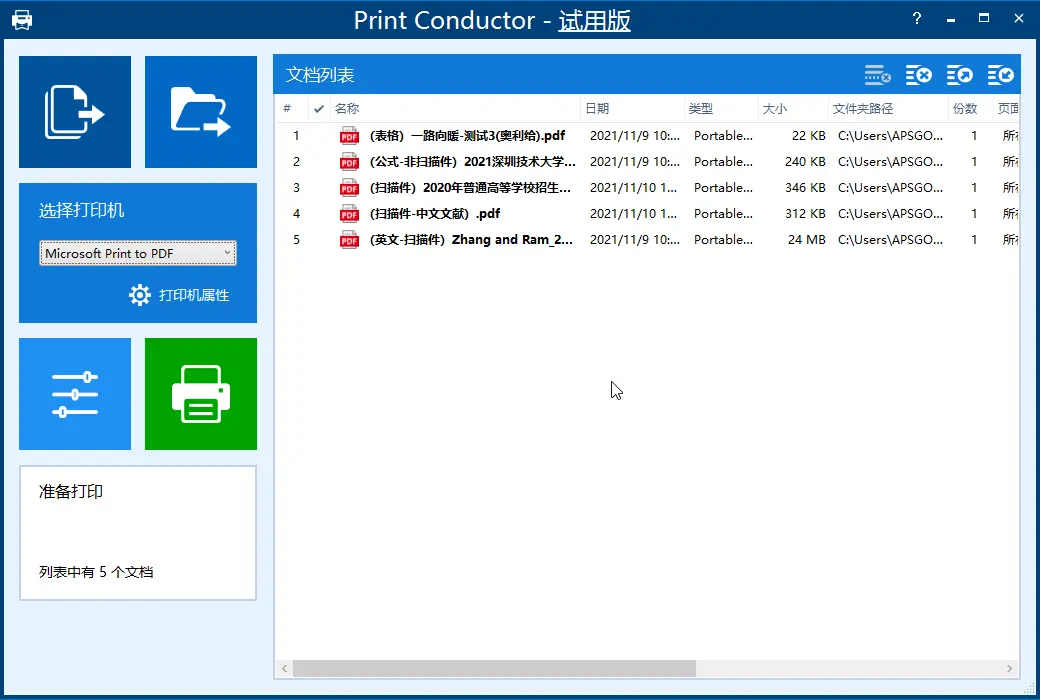
No need to open the file beforehand, use Print Conductor to automatically print files in different formats simultaneously. Supports over 90 file formats. Compatible with all printers.
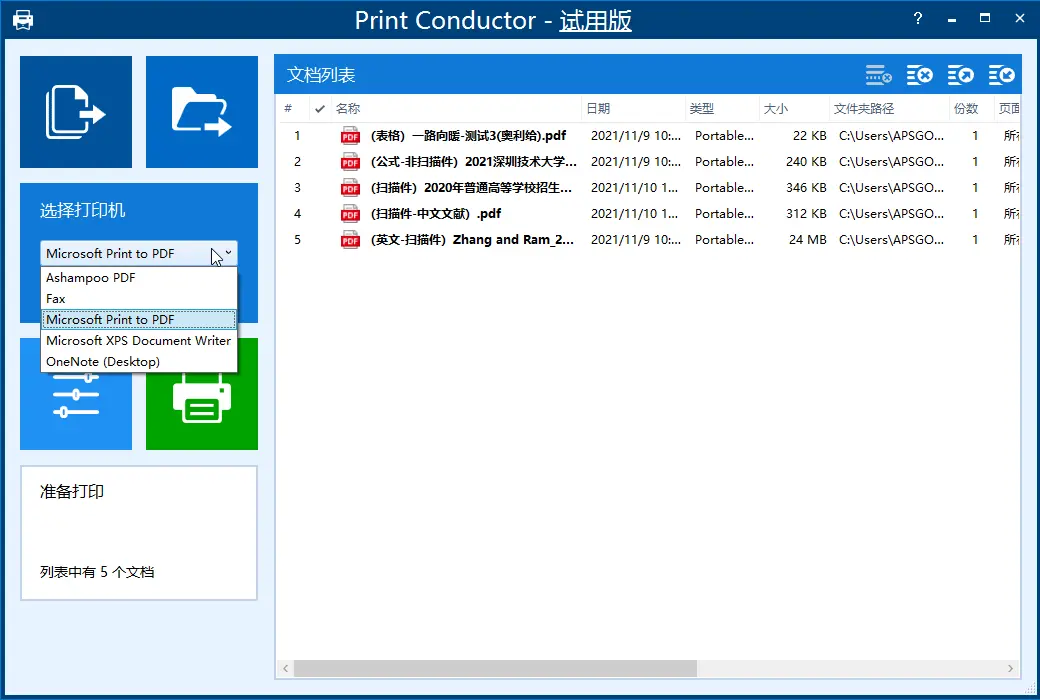
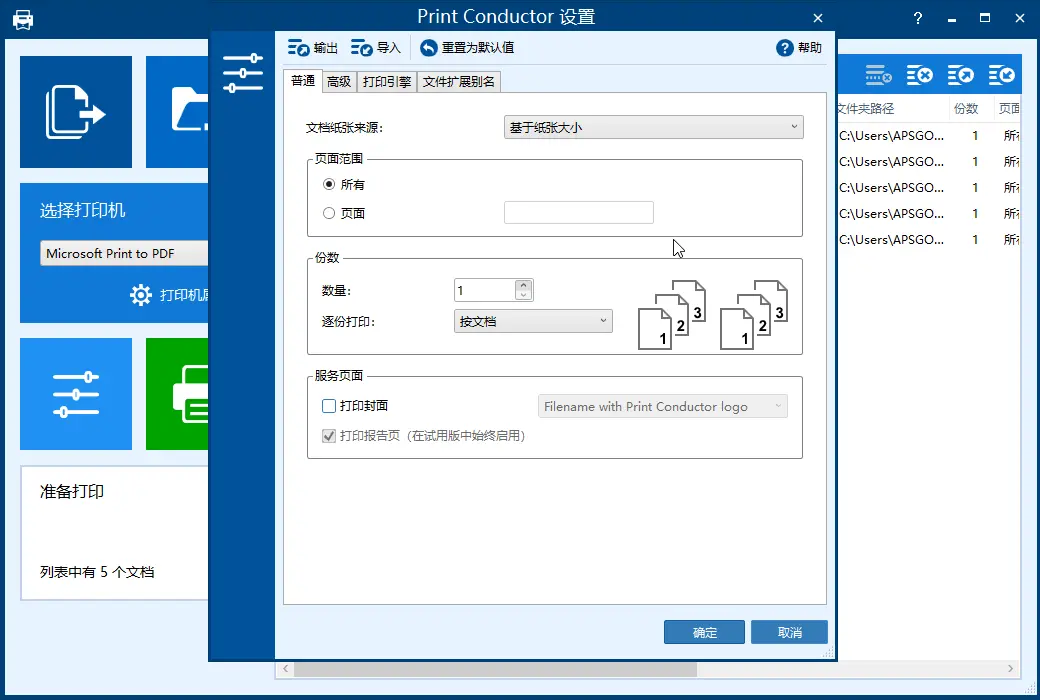
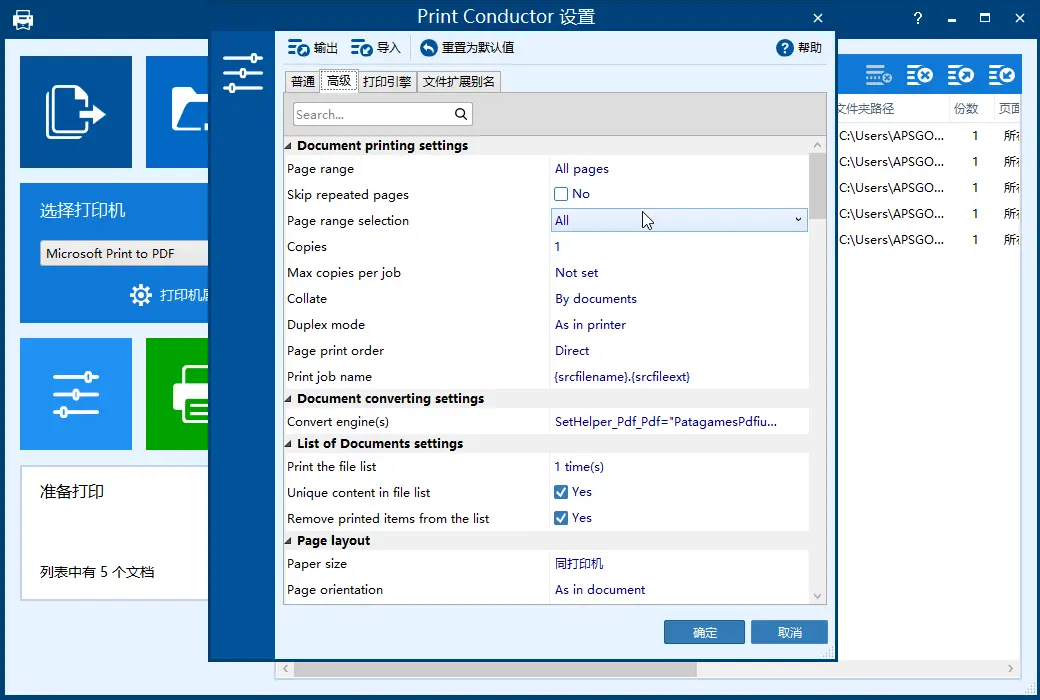
Using Print Conductor makes it easy to print large quantities of files. There is no need to manually open each file, select the printer, choose print settings, click "print", and repeat the above steps multiple times. You just need to drag and drop the file to the print list, select the printer, and the software will automatically complete all the work.
No need to open files one by one to print
Print multiple PDFs or other documents in batch mode to save time. Now you don't need to print them separately. Imagine how much time it would take to print multiple files from multiple folders! With Print Conductor, you don't need to open a PDF reader, text editor, or other application to print files. Simply add the file to the program's list, select the printing device, and click the 'Start Printing' button.
Print all files in a folder or archive
You can simply use Print Conductor to print all files in the folder, or print files in RAR/ZIP/7ZIP compressed files. Before printing, files can be added or organized through the easy-to-use interface of Print Conductor. Use drag and drop to add files, then select "Open" in the dialog box, and you can also choose a specific type of file in a folder or its subfolders to print. You can categorize the files to be organized by file name or type, and place them in a folder or settings list to print a subset of files.
Official Website:https://www.print-conductor.com/zh
Download Center:https://print-conductor.apsgo.cn
Delivery Time: Manual processing
Operating Platform: Windows
Interface Language: Supports Chinese interface display, with multiple languages available.
Update Instructions: Supports minor version upgrades (v12.x).
Trial Before Purchase: Free trial available before purchase.
How to Receive the Product: After purchase, the activation information will be sent to the email address used for ordering, and the corresponding product activation code can be viewed in the personal center, My Orders.
Number of Devices: Can be installed on 1 computer.
Changing Computers: Uninstall on the original computer and activate on the new one.
Activation Guide: To be added.
Special Instructions: To be added.
References:https://www.print-conductor.com/zh#support

Any question

In some cases, automatic activation is not possible. For example, there is a security policy in your company that prevents you from automatically activating, your computer connects to the Internet through a firewall, or your Internet connection is disabled, or you lack the necessary permissions (access rights), or for any other reason. In this case, please manually activate Print Conductor using the online form. Please follow the instructions below:
When the activation wizard prompts you to select an activation method, choose to manually enter the activation code, and then click Next
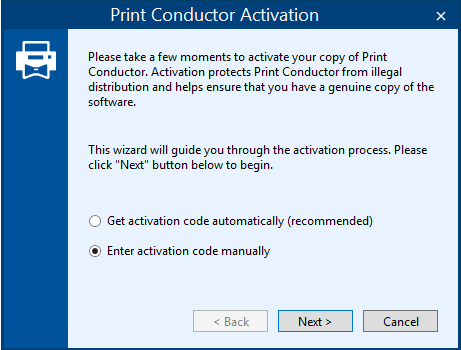
Click on the network form link below the authentication number, or use a browser to go to
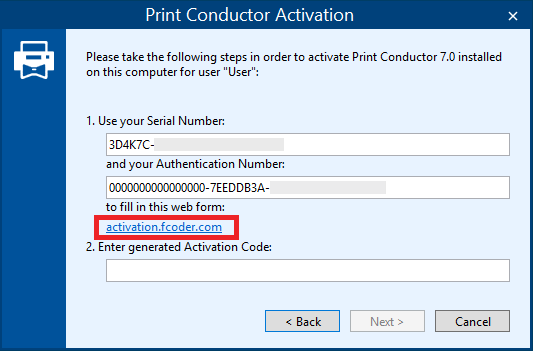
Copy your serial number and authentication number and paste them into the corresponding fields, then click the 'Get Activation Code' button:
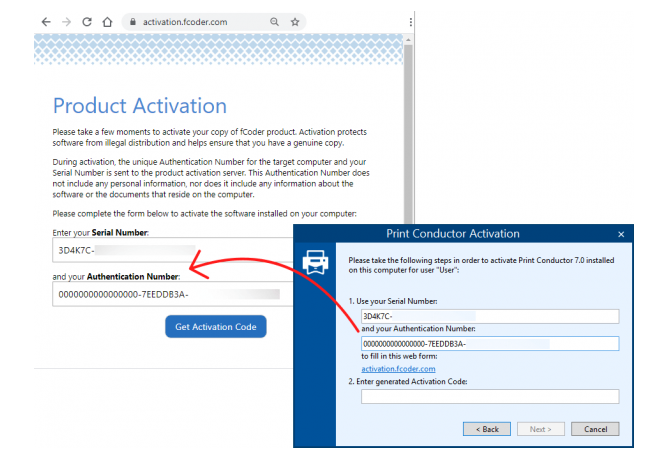
You will receive the activation code on the next page. Copy it, switch back to printing the conductor and paste it into the activation code dialog window generated by the input. Click Next. Your activation process will be completed soon